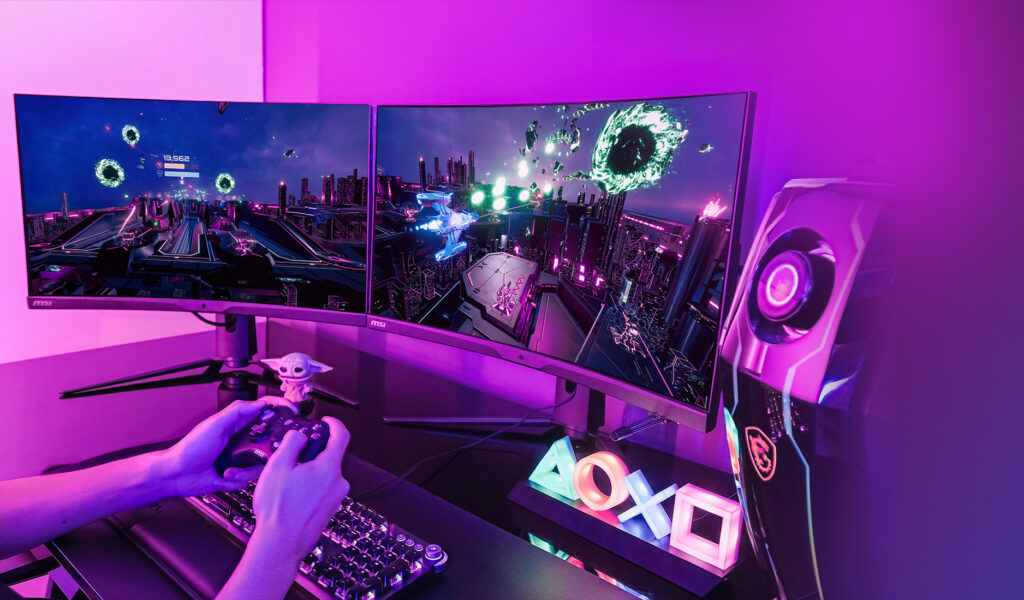
Computers and other digital devices work using two main components: hardware and software. Understanding the difference between hardware and software is important for beginners, students, and anyone using technology. This article explains the difference between hardware and software in simple English, including examples, types, and their roles.
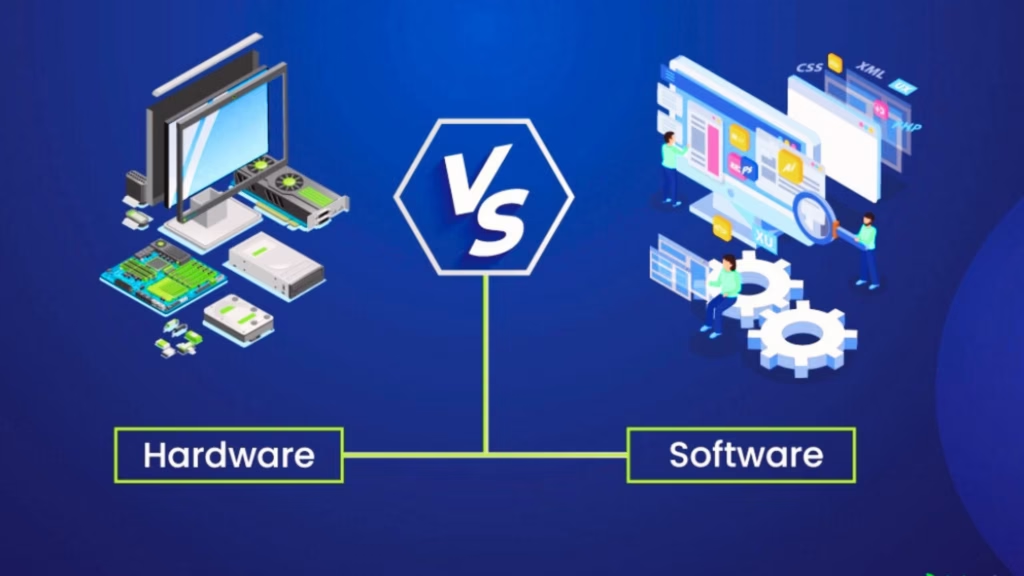
What Is Hardware?
Hardware is the physical part of a computer or device that you can touch. It includes all the electronic and mechanical components that make the device function. Without hardware, software cannot work.
Examples of Hardware
- Input devices: Keyboard, mouse, scanner
- Output devices: Monitor, printer, speakers
- Storage devices: Hard drives, USB drives, memory cards
- Internal components: CPU, RAM, motherboard, graphics card
Hardware is like the “body” of a computer. It processes, stores, and displays information.
Types of Hardware
- Internal Hardware: Components inside the computer case, such as CPU, RAM, motherboard, and storage drives
- External Hardware: Devices connected to the computer from outside, such as keyboard, mouse, monitor, and printer
What Is Software?
Software is a collection of instructions or programs that tells the hardware what to do. You cannot touch software physically—it exists digitally. Software makes hardware useful.
Examples of Software
- Operating systems: Windows, macOS, Linux, Android
- Applications: Microsoft Office, Google Chrome, WhatsApp
- Games: Minecraft, FIFA, Roblox
- Utility software: Antivirus programs, disk cleanup tools
Software is like the “brain” of the computer. It gives commands to the hardware to perform specific tasks.
You Can Also Read: how-internet-works-step-by-step
Types of Software
- System Software: Manages hardware and basic system operations (e.g., operating systems)
- Application Software: Helps users perform specific tasks (e.g., web browsers, video editors)
- Programming Software: Helps developers write programs (e.g., Python IDEs, compilers)
Key Differences Between Hardware and Software
| Feature | Hardware | Software |
| Definition | Physical parts of a computer | Programs or instructions for hardware |
| Tangibility | Can be touched and seen | Cannot be touched or seen |
| Function | Executes tasks physically | Provides instructions to hardware |
| Examples | CPU, RAM, keyboard, monitor | Windows, Microsoft Word, Photoshop |
| Lifetime | Longer, but can wear out or break | Can be updated or upgraded easily |
| Cost | Often more expensive | Can be free or paid |
| Dependence | Needs software to be useful | Needs hardware to run |
Understanding these differences helps you know why both are essential for computers and digital devices.
How Hardware and Software Work Together
Hardware and software are dependent on each other:
- Input: Hardware devices like a keyboard or mouse send information to the computer.
- Processing: The CPU (hardware) uses software instructions to process the information.
- Output: Hardware like monitors or printers show results based on software commands.
- Storage: Hard drives (hardware) save data created or managed by software.
For example, when you open Microsoft Word (software), your keyboard (hardware) allows you to type, and your monitor (hardware) displays the text.
Platforms like Duel Du Quinte rely on hardware and software working together to provide live sports data, results, and predictions to users worldwide.
Why Understanding the Difference Matters
Knowing the difference between hardware and software helps in:
- Troubleshooting: Identify whether a problem is physical (hardware) or program-related (software)
- Upgrading devices: Know which hardware to improve or which software to update
- Learning technology: Helps beginners understand computers, smartphones, and digital tools
- Choosing devices and apps: Makes it easier to select compatible hardware and software
Common Misconceptions
- Software is not less important than hardware: Both are equally essential
- Hardware does not work alone: It needs software instructions to perform tasks
- Software cannot replace hardware: You cannot “download” hardware—both are needed for proper function
Examples in Daily Life
- Laptop: Hardware (CPU, RAM, screen) + Software (Windows, Zoom, Chrome)
- Smartphone: Hardware (camera, processor, battery) + Software (iOS/Android, apps)
- Gaming Console: Hardware (console, controller) + Software (games, system firmware)
Even websites and platforms like Duel Du Quinte are a combination of software running on servers (hardware) to deliver content to users’ devices.
Final Thoughts
Hardware and software are two sides of the same coin. Hardware is the physical body, and software is the instructions or brain that makes the device functional. Both are essential for computers, smartphones, and modern digital systems.
By understanding the difference between hardware and software, you can troubleshoot devices better, make informed technology choices, and appreciate how platforms like Duel Du Quinte deliver real-time updates and services using the perfect balance of hardware and software.